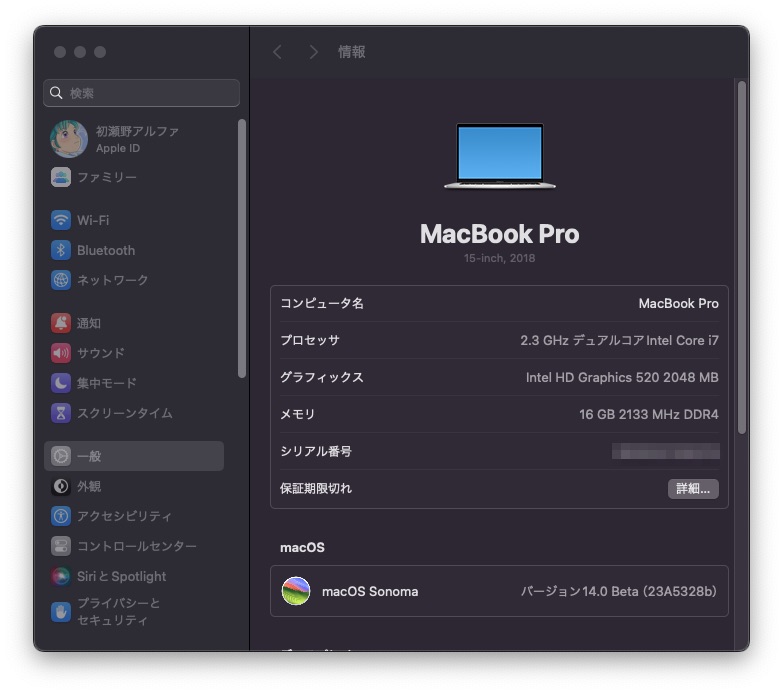
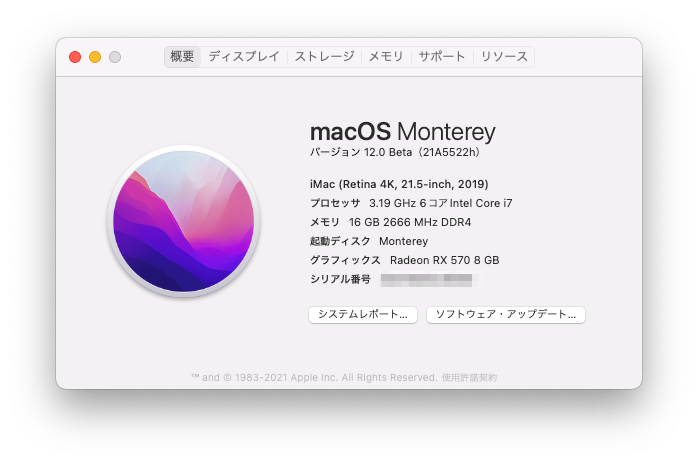
先日仕入れた美品のVersapro VK23LB-Tですが、ずんだもんに払い下げしました。
alpha
Kawaiintu (neo Moebuntu)(旧Hackintosh夢日記)
OpenCore searches for various OS entries with piker.
However, that entry does not always boot.
Here, I will show you how to achieve coexistence with other operating systems by following the recommended settings of OpenCore as much as possible.
Specifically, use “rEFInd” and let it boot other operating systems.
And, only when booting MacOS, use OpenCore.
(I used to use “Refind plus”, but I stopped it because of the difference in the purpose of the developers.)
I have to start Windows by default because it is used for work.
Even those people will make Windows work by default without pressing the UEFI switching key (F8 etc.) in the BIOS one by one. (If you change the setting, you can boot other OS by default. This is also supplemented.)
The basic setting method is introduced on the following web page.
Setting up rEFInd
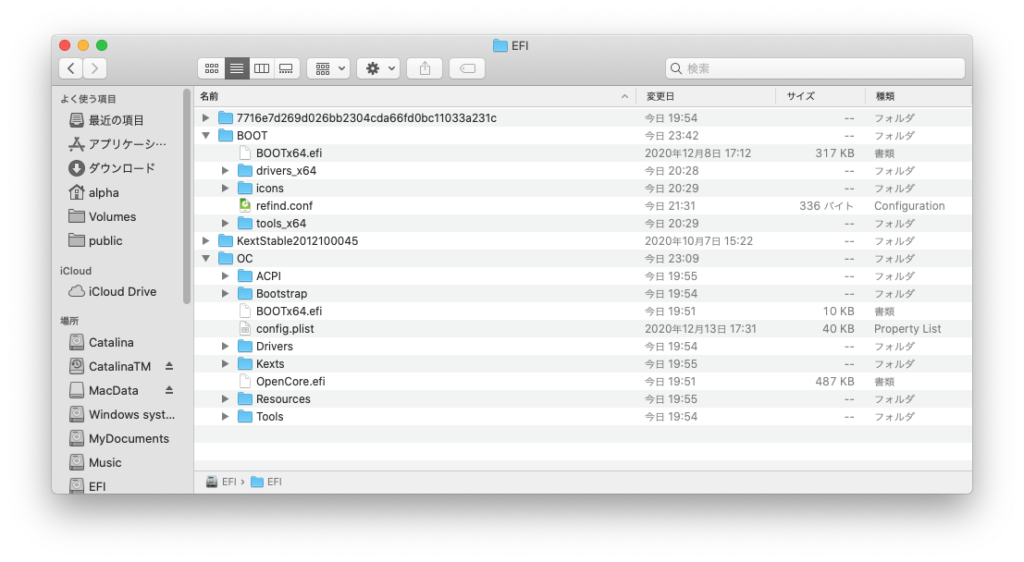
Let’s install rEFInd on the EFI where OpenCore is installed as shown in the above figure.(The important part of the setting is to change “refind_x64.efi” which works as a boot loader to “BOOTx64.efi” which is the default boot name of UEFI and install it in “../EFI/BOOT”.)
Below is a link to the “Refind” page on SourceForge.
Source Forge: rEFInd
The rEFInd entry settings are as follows: (The file is “refind.conf” and the location is “../EFI/BOOT”.)
timeout 10
default_selection 1

menuentry "Windows 10 Pro" {
	volume 06FB0163-59F8-46BA-9465-7DAA35F85887
	loader \EFI\Microsoft\Boot\bootmgfw.efi
}

menuentry "OpenCore" {
    loader \EFI\OC\Bootstrap\Bootstrap.efi
}

menuentry "Clover" {
	volume BF815D74-B73F-410D-B6E2-5EF6184B821C
	loader \EFI\CLOVER\CLOVERx64.efi
}

scanfor manual
“Timeout” is the number of seconds before the default entry autoboots.
“Default_selection” is the number of the default entry. It is counted as 1, 2, 3 … in the order of entries written side by side.
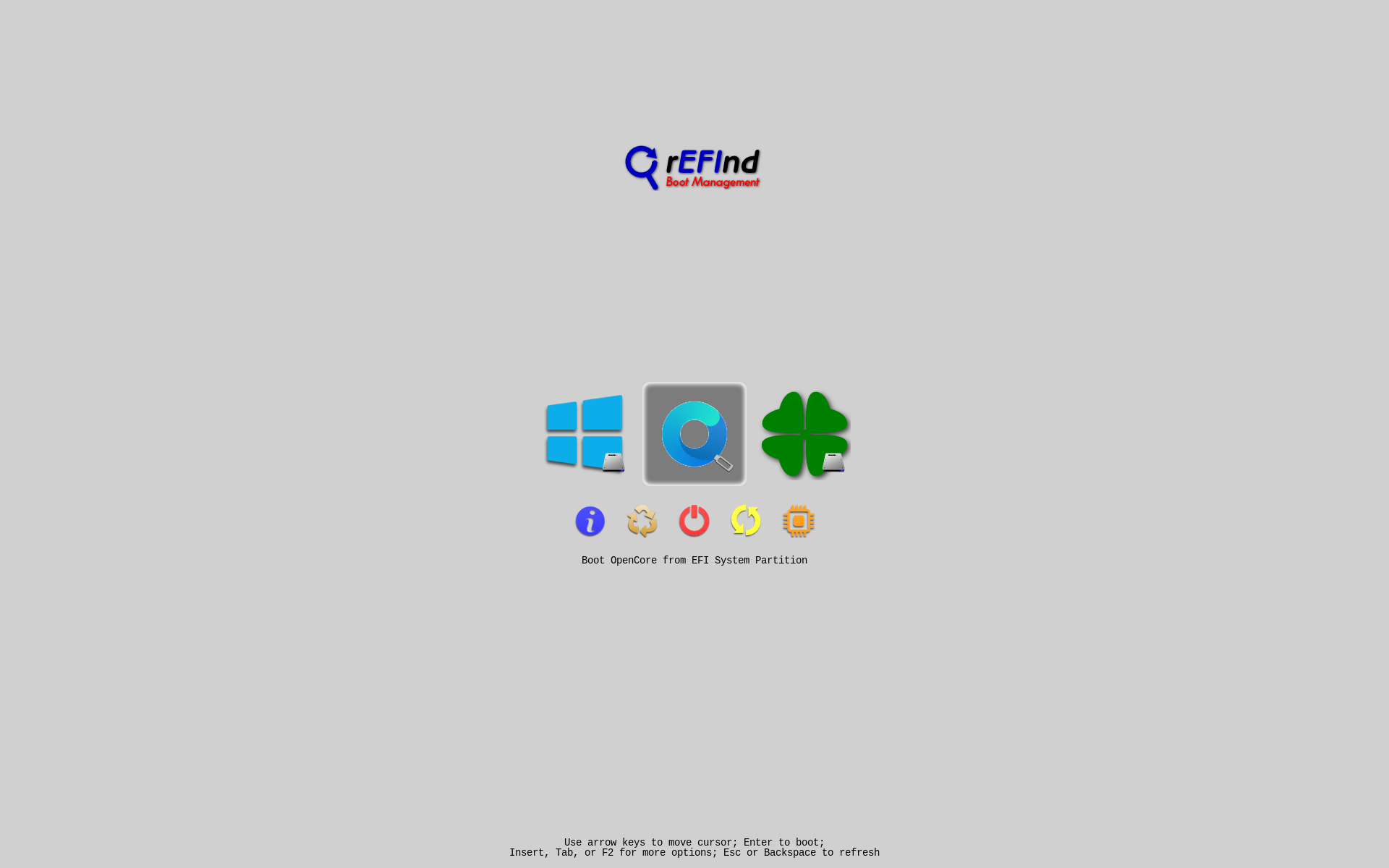
In this example, Windows, OpenCore, and Clover are listed in the menu entry.
The UUID specified in “volume” is the “Disk / Partition UUID” of each EFI.
You can get it with the diskutil info command.
For example…
% diskutil list
・・・
/dev/disk2 (internal, physical):
   #:                       TYPE NAME                    SIZE       IDENTIFIER
   0:      GUID_partition_scheme                        *250.1 GB   disk2
   1:                        EFI EFI                     104.9 MB   disk2s1
   2:       Microsoft Basic Data Windows system          249.4 GB   disk2s2
   3:           Windows Recovery                         588.3 MB   disk2s3
・・・

% diskutil info disk2s1
・・・
   OS Can Be Installed:       No
   Media Type:                Generic
   Protocol:                  SATA
   SMART Status:              Verified
   Volume UUID:               3754446D-BF13-3166-95FA-BD50950CDBE4
   Disk / Partition UUID:     06FB0163-59F8-46BA-9465-7DAA35F85887
   Partition Offset:          32256 Bytes (63 512-Byte-Device-Blocks)
・・・
Since disk2s1 was EFI of Windows, this is “diskutil info” You can use to get “Disk / Partition UUID:”.
If the following display is displayed and each entry can be booted, it is complete.
The following is an OpenCore 128×128 png file. In Refind, OpenCore is Unknown, but if you set the Unknown icon to this, it will look better for the time being.

After that, due to the change of OpenCore, the setting change came out.
Change rEFindPULS configuration file due to OpenCore change.